Free Consultation • Available 24/7


Click on the "Sign in" button located at the top right corner of the page.
Click on the "Create an Account" button.
Choose the type of account you want to create. You can choose between a "Veteran" or "Service Member," "Family Member," or "Other Patron" account.
Enter your personal information, including your name, address, and Social Security number.
Choose a username and password for your account. Your username must be unique, and your password must be at least 8 characters long and include at least one uppercase letter, one lowercase letter, and one number.
Verify your identity. You can do this by providing your email address or phone number, answering security questions, or uploading a copy of your government-issued ID.
Click on the "Create Account" button.
Tracking Your Claims: You can track the status of your claims for VA benefits, view your payment history, and access documents related to your claims.
Disclaimer: This material is for informational purposes only. It does not create an attorney-client relationship between the firm and the viewer and does not constitute legal advice. Legal advice must be tailored to the specific circumstances of each case, and the content of this video is not a substitute for legal counsel.
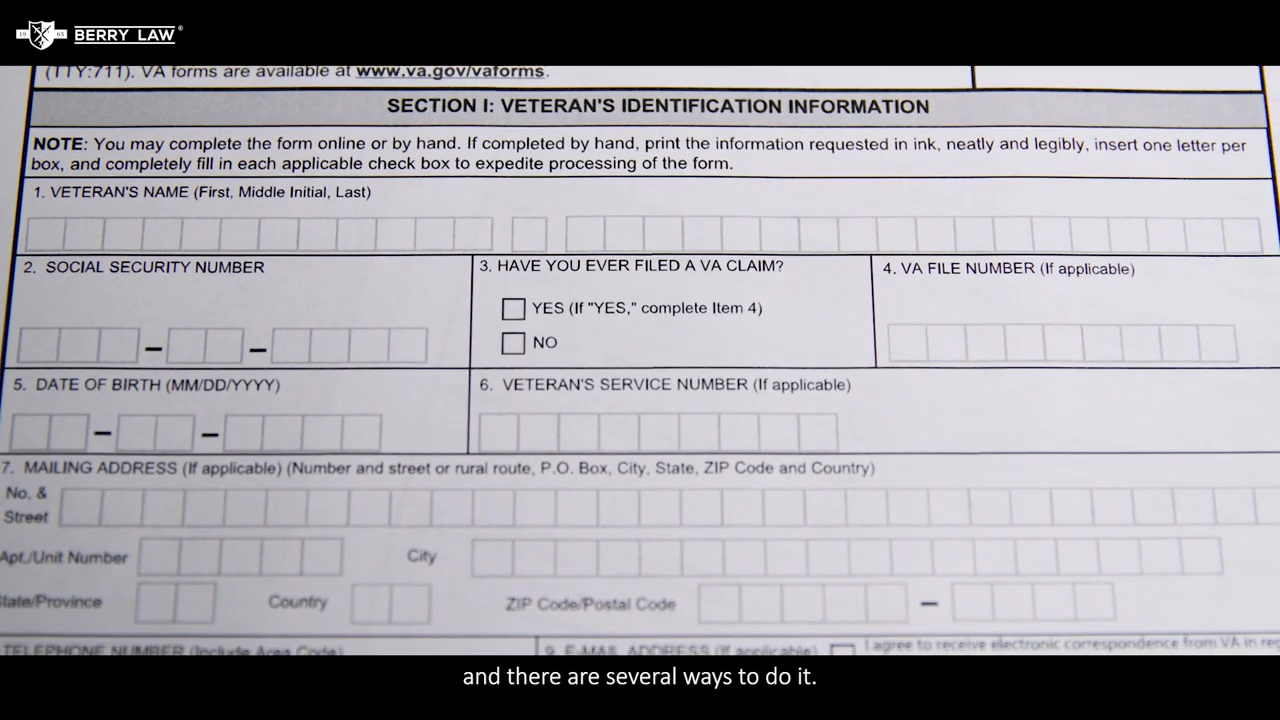

Submitting an Intent to File form may help Veterans protect an effective date for potential VA disability benefits and retroactive compensation.

You may receive an email from the VA saying you have limited time left to complete your disability application.
Our attorneys are ready to discuss your case and answer any questions you may have.


A comprehensive guide to understanding VA disability claims, ratings, appeals, and back pay.

Talk with Berry Law at no cost. We will review your VA decision, listen to what happened, and help you understand the available next steps.


